Unity Control 3.7.1 Software and Firmware
/This is the latest release of the Unity Float Control Software
Included and required are matching firmware files
Float_Ctrl_v3_5_6
You will need to install the new Unity version and then update each tank with the new firmware files.
https://www.youtube.com/watch?v=XNTyMKhU2_s
Change Log:
This build includes software monitoring of the flow switch in both the open and closed positions and will stop the filtration system if the flow is not reading while the pump is running after 10 seconds.

Additionally, if the flow is stuck in the "on" position while the pump is off it will alert and let you know that the flow switch is defective. WARNING : It is very important to not use the pump override switch while the flow switch is stuck in the on position. This could lead to the UV bulbs overheating their O-rings causing a leak as well as the inline heater staying on and burning up. The idle heating of the water should be switched over to the in-tank heaters immediately with the "Pump Schedule Enabled" setting to prevent the main heater from turning on in addition to unplugging the main inline heater from the control box until the flow switch is replaced with a new one.

An alert will be displayed on the software along with a Flow Bypass button to turn the pump back on for a period of 2 hours.


To reset the alert back to normal just power cycle the control box system.
Additionally, there is now a "Temperature Offset" setting in the Advanced Config screen to adjust the temperature display and match the actual solution temperature. This is just a display change and does not change the temperature set points.

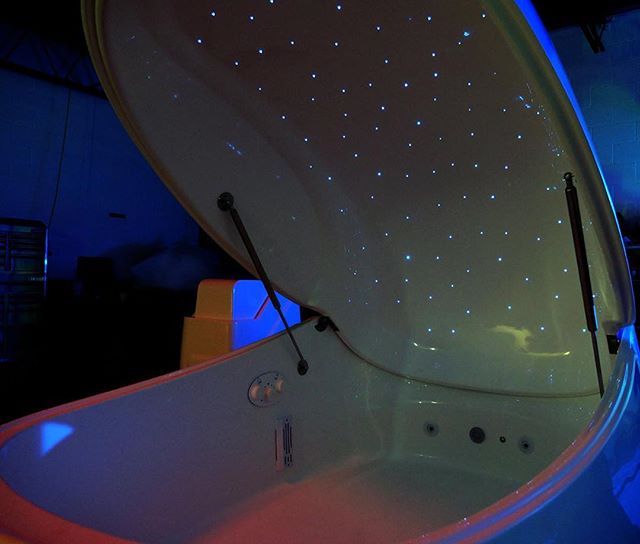
Lighting profiles have been updated with standard RGB colors as well as brighter options.
Downloads
Still need help?
Our support team can help with anything this article doesn't cover. Contact Superior Float Tanks support.